
Properties
Properties let you tag scenes and folders with structured metadata that’s meaningful to your project. Common uses: tracking which characters appear in a scene, which location it takes place in, what POV is used, or a status like “Draft” / “Revised” / “Final”.
You define the properties, you define the options, and you assign them however you like. It’s your system.
Creating Properties
Section titled “Creating Properties”In the Inspector’s Info tab, use the property section to create a new property. Each one has:
- Name — Whatever label makes sense: “Characters”, “Location”, “Status”, “Mood”, etc.
- Icon — An icon to identify it visually.
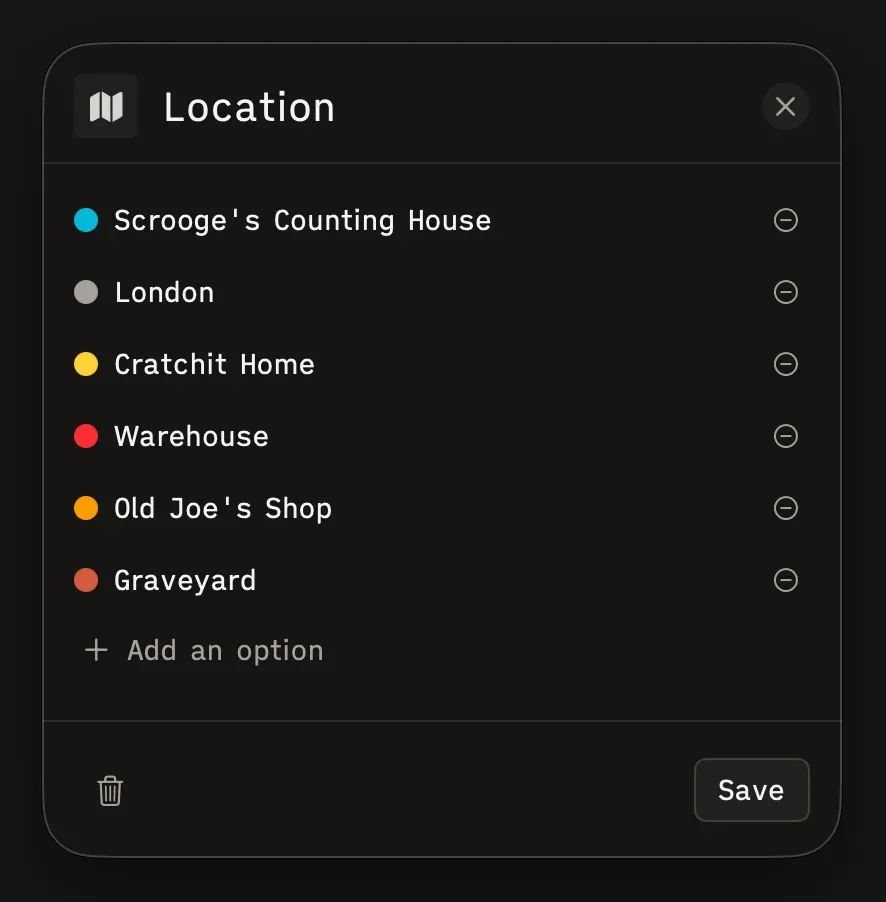
- Options — Named values you can assign, each with a color.
Tagging Scenes
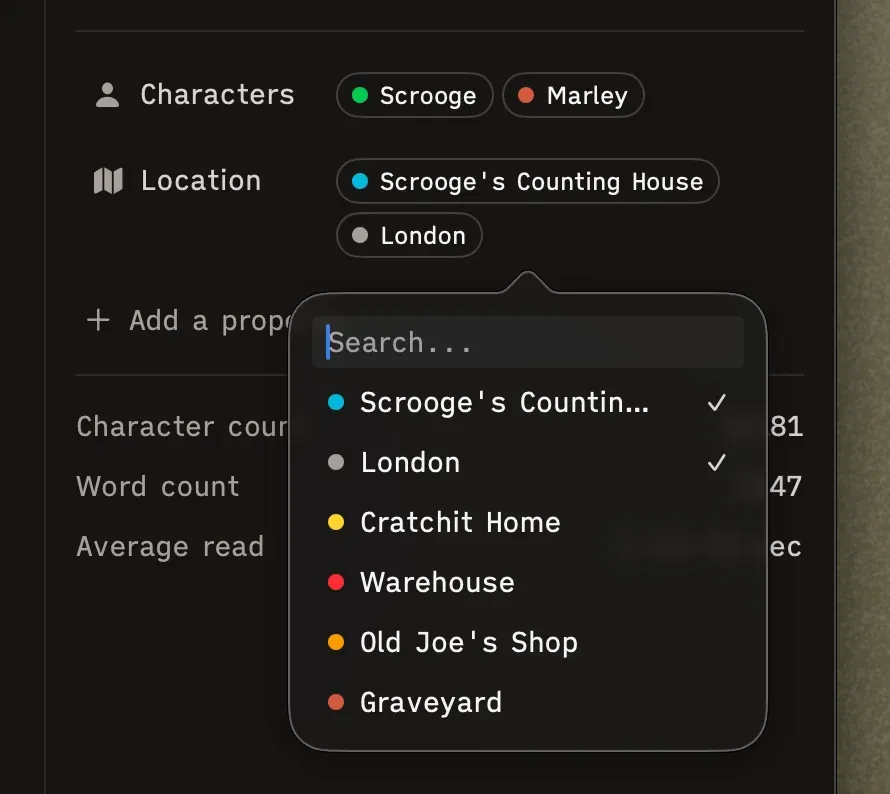
Section titled “Tagging Scenes”Select a scene, open the Inspector, and check one or more options under each property. Properties support multi-select — a scene can have multiple characters, for instance, or take place across more than one location.
Editing Properties
Section titled “Editing Properties”Click the edit button on any property to change its name, icon, or options. You can add, remove, or rename options, and change their colors at any time.
Deleting Properties
Section titled “Deleting Properties”Deleting a property removes it everywhere — from every scene and folder it was assigned to. Worth being sure before you hit delete.