Views
Herbert gives you two views of the same manuscript. Both views are always looking at the same underlying structure. Move a chapter in the outline and it moves in the manuscript — instantly, without a “commit” step or a stale copy anywhere. Rename a scene in the sidebar and the canvas updates. It’s one source of truth, two ways to look at it.
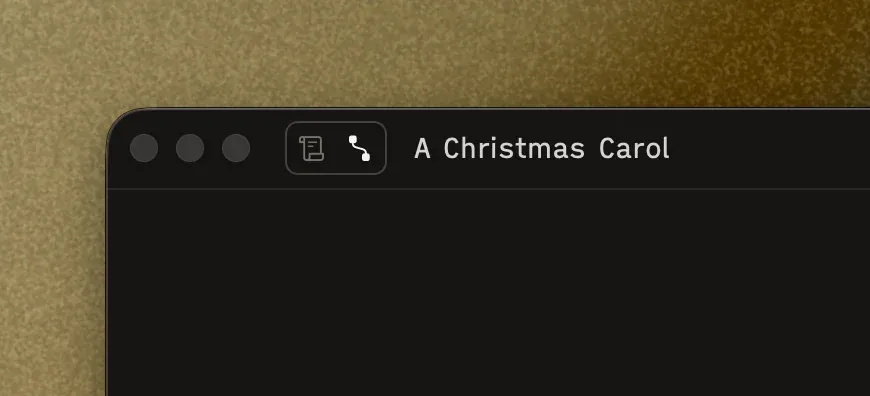
You can freely switch views with the toggle next to the project title.
Manuscript View (⌥1)
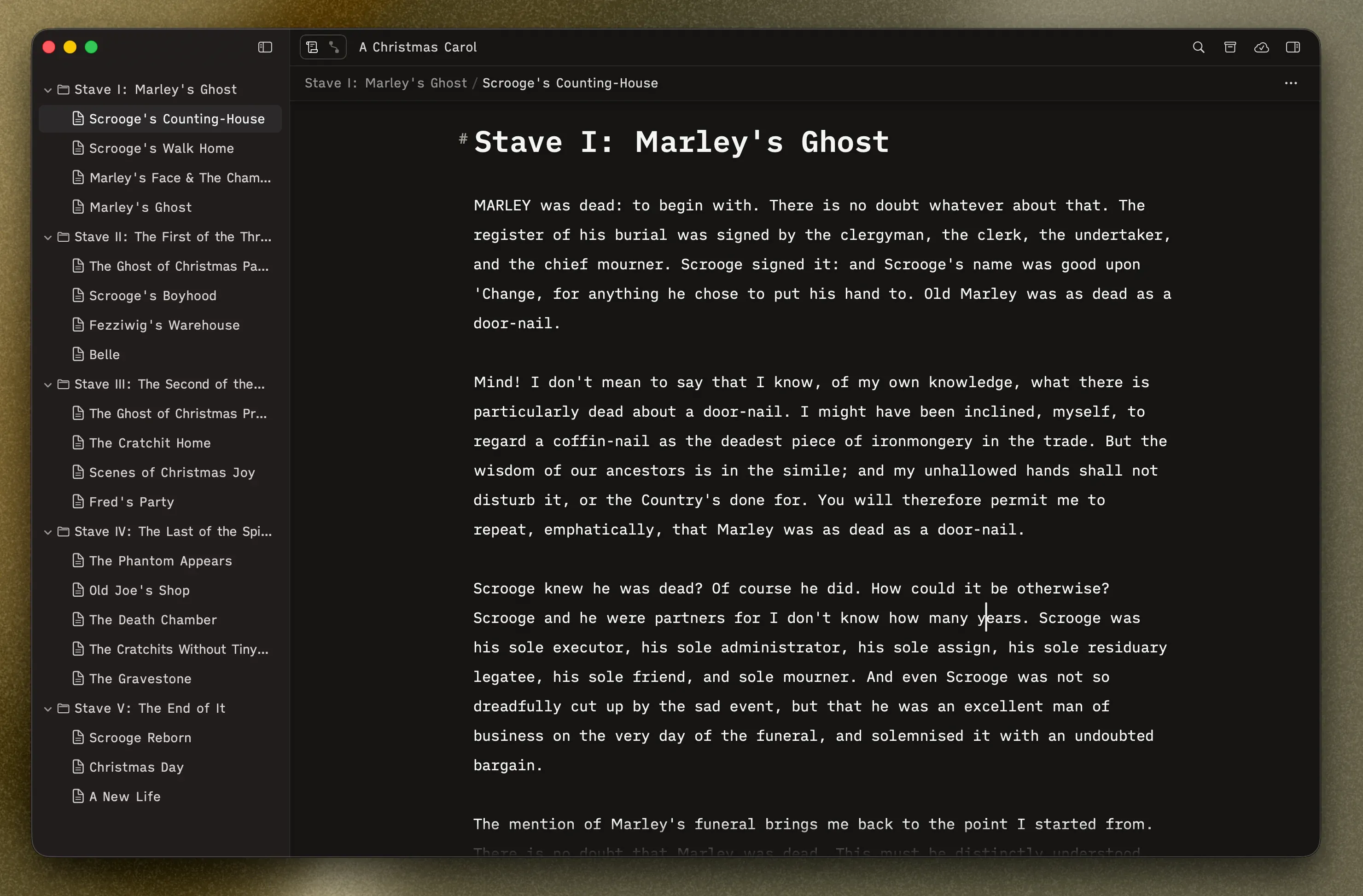
Section titled “Manuscript View (⌥1)”This is where you write. Your scene tree is in the sidebar on the left, and the selected scene fills the editor on the right. When you’re deep in a chapter and just need to get words down, this is where you’ll live.
Switch to it: Click the scroll icon in the toolbar, or press ⌥1.
Outline View (⌥2)
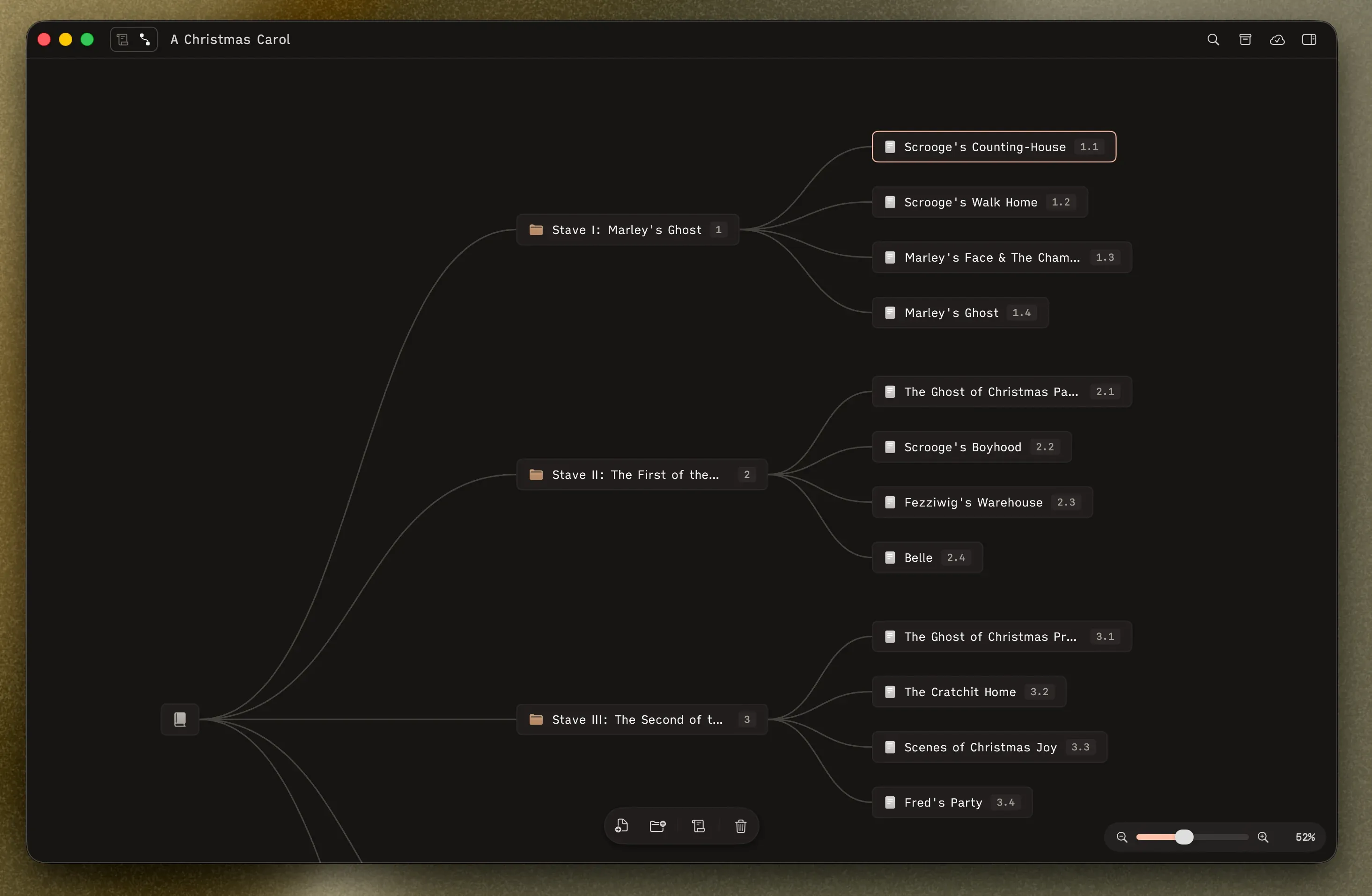
Section titled “Outline View (⌥2)”This is where you see the big picture. Your entire manuscript appears as an interactive node graph on an infinite canvas — each folder and scene is a card, connected by lines showing the hierarchy. It’s ideal for rearranging chapters, spotting structural issues, or just getting a sense of how long Part 3 is compared to Part 1.
Rearranging on the canvas is completely non-destructive. Drag a scene from one chapter to another and your text comes with it, intact. Nothing is lost or duplicated — you’re just reshaping the structure around your writing.
Switch to it: Click the connected-nodes icon in the toolbar, or press ⌥2.