Creating Folders and Scenes
From the sidebar (Manuscript view)
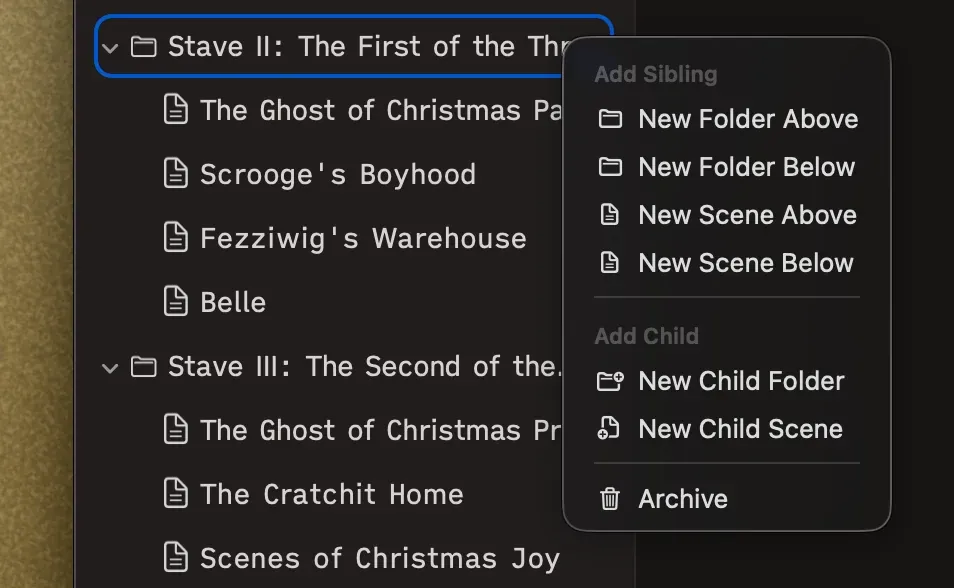
Section titled “From the sidebar (Manuscript view)”Right-click any item. On a folder, you can add sibling items above or below, or add children inside it. On a scene, you can add a new scene above or below.
From the canvas (Outline view)
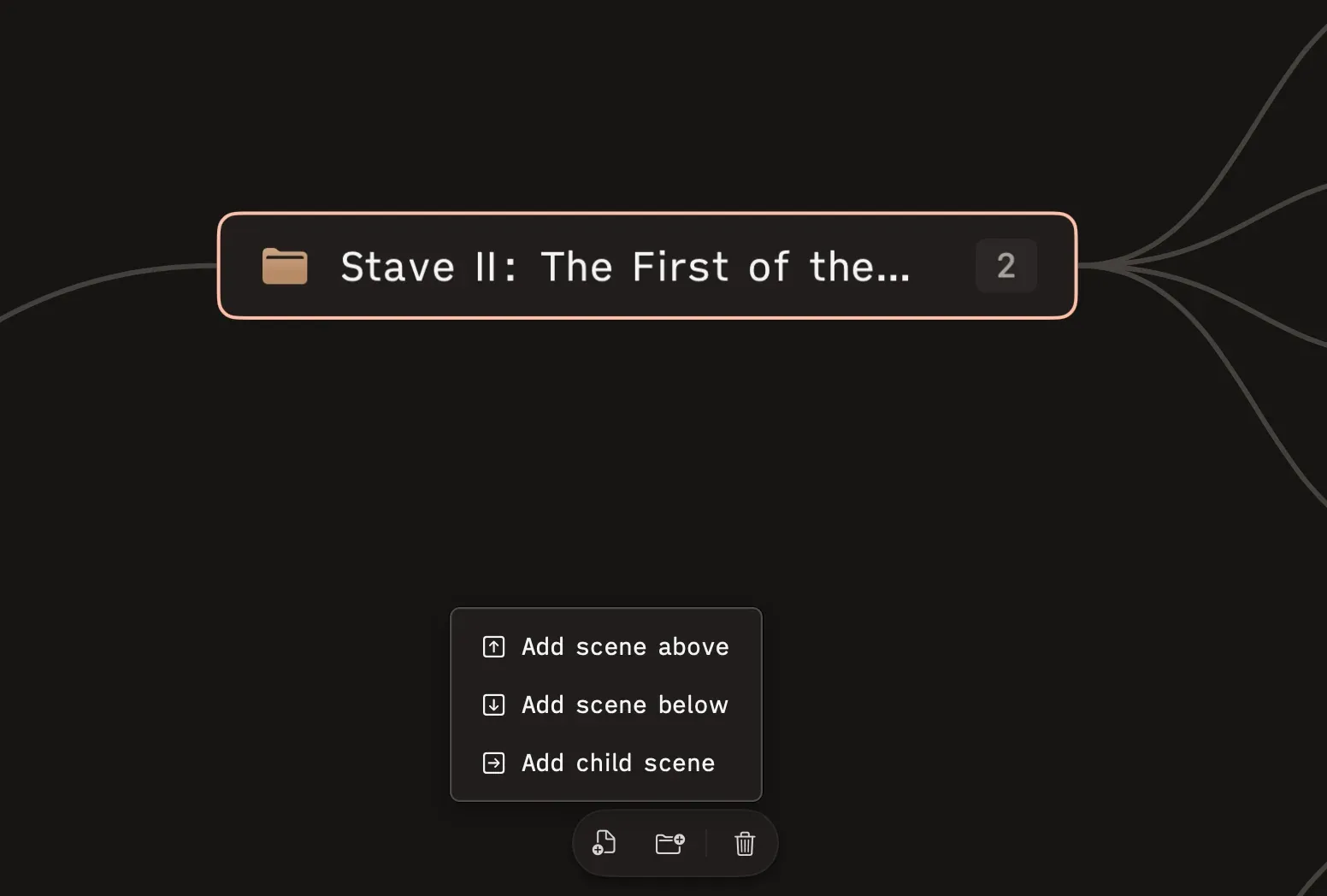
Section titled “From the canvas (Outline view)”Select a node, and a floating toolbar appears at the bottom of the screen with Add scene and Add folder buttons. Each offers options for positioning — above, below, or as a child (on folders).
New items start with default names (“New Scene” or “New Folder”) and are ready to rename immediately.