
Getting Started
Your First Project
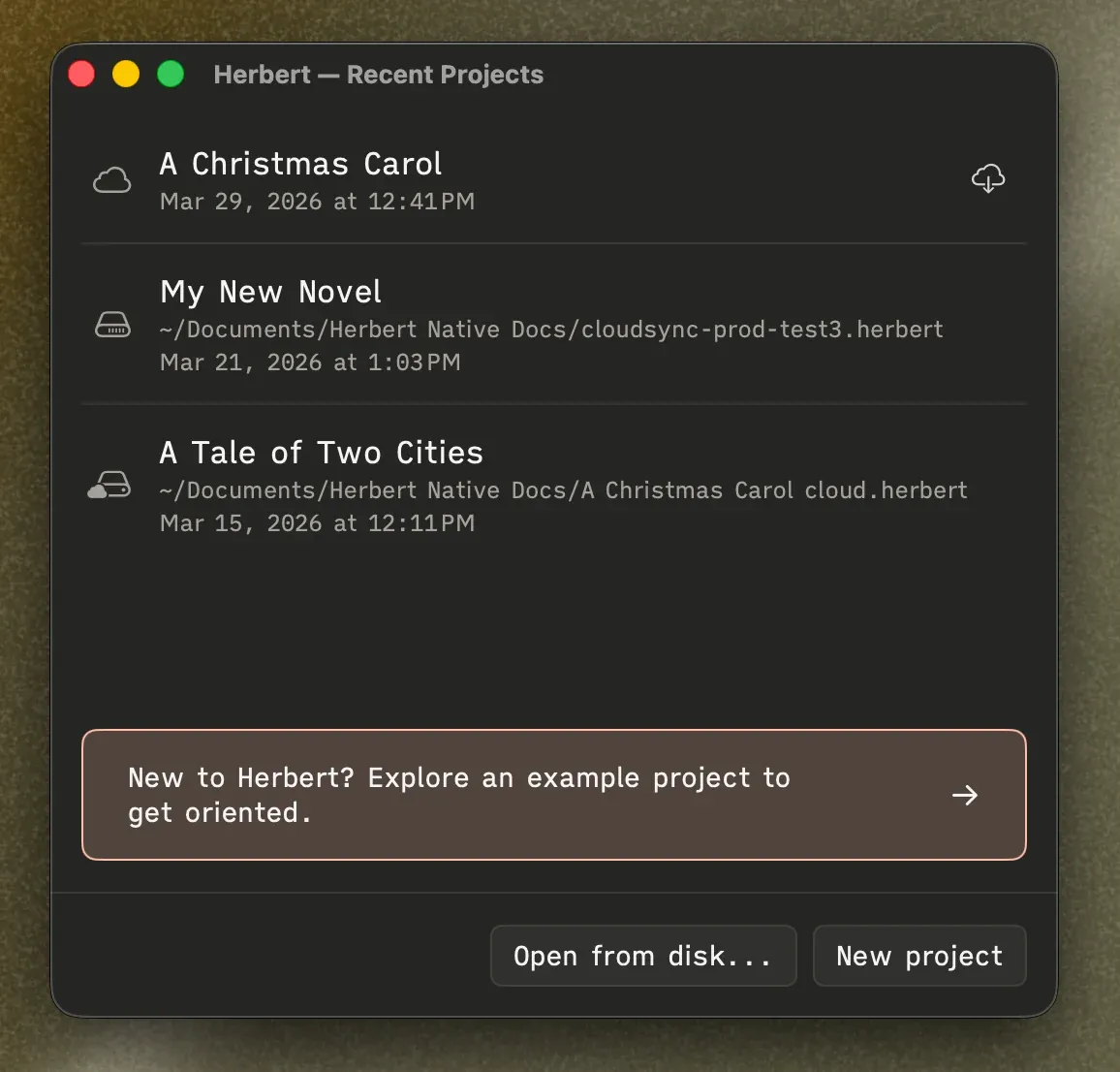
Section titled “Your First Project”When you open Herbert with nothing loaded, you’ll land on the Recent Projects dashboard. Click New project to start fresh — Herbert sets you up with a simple starting structure: one chapter folder with one scene inside it. Enough to start writing immediately without staring at a blank void.
You can also create a new project anytime from the menu bar: File → New.
Opening a Project
Section titled “Opening a Project”Your recent projects show up right on the dashboard — just click one to pick up where you left off. If you need to find a .herbert file elsewhere on your Mac, click Open from disk… or use File → Open.
Each Herbert project is a single .herbert file that you can move, back up, or share like any other file. Open it on a different Mac and everything is there.
Sample Project
Section titled “Sample Project”Not sure how Herbert works yet? Load the built-in sample project: File → New from Template → A Christmas Carol. It’s a fully structured manuscript with scenes, folders, and real content already in place — a good way to click around and get oriented before touching your own work.
There’s also a shortcut to it right on the Recent Projects dashboard.